Collect vehicle information
Identify the vehicle and request exterior, interior and odometer views.
Dealerships & trade-in networks
Prepare the trade-in. Before the visit.
Prepare a remote trade-in inspection with bodywork, interior and odometer photos plus available service records before the dealership visit.
Remote inspection · Photos, video and documents
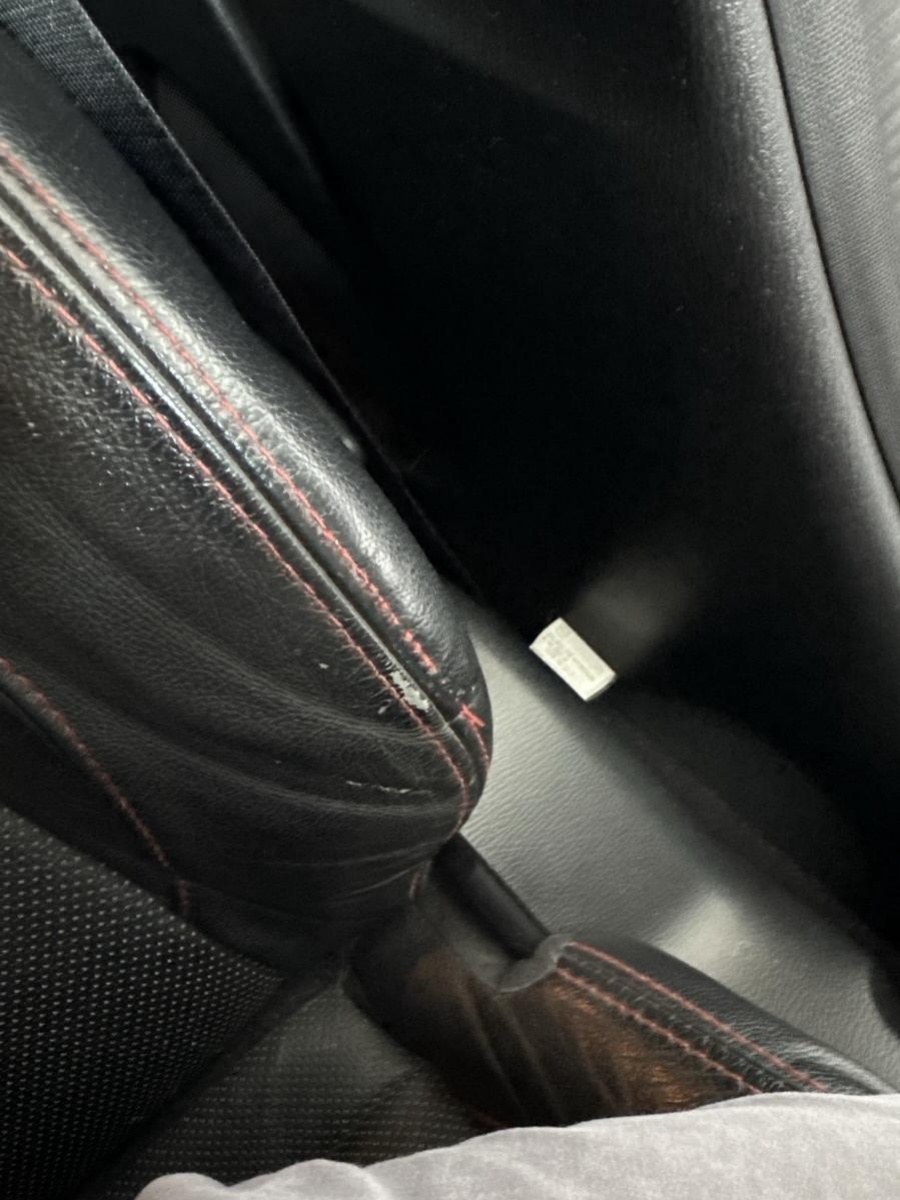 Visual evidence
YOUR REVIEW FILE
THE CHALLENGE
A written description leaves questions about the interior, bodywork, odometer and service records. Follow-up messages multiply before the first appointment.
A PRACTICAL SCENARIO
Before presenting the vehicle, the owner submits requested views and available records. The professional prepares the points to check at the appointment.
FROM CAPTURE TO REVIEW
Identify the vehicle and request exterior, interior and odometer views.
Gather service documents and recorded repairs to prepare relevant questions.
Read the report and identify what needs confirming before a commercial decision.
WHAT YOUR TEAM REVIEWS
EXPLORE AN ACTUAL SAMPLE
The anonymized Mazda sample shows the report format: findings, document information and a photo gallery. It illustrates the format, not a customer reference for this workflow.
BEFORE YOU START
This workflow documents the vehicle. Your business determines pricing and trade-in terms after the necessary checks.
A remote inspection is neither a binding trade-in offer nor a mechanical valuation. Pricing remains the professional’s responsibility.
Vehicle types, capture points, documents, access roles and any integration requirements. Physical tests and mechanical diagnosis are outside the remote inspection scope.
LET’S START WITH YOUR WORKFLOW
Tell us about your vehicles, countries and current process. We’ll use that context to prepare a relevant demonstration.
Long-term rental & leasing
Prepare a lease return inspection with guided photos, odometer readings and service records in one file for review before handover.
Explore the workflow →02Short-term rental & car sharing
Document rental car condition at pickup and return with comparable photos, odometer readings and findings in a single inspection file.
Explore the workflow →03Corporate fleets & fleet managers
Manage fleet inspection follow-up in one place: review vehicle photos, supporting records and missing information across your inspection files.
Explore the workflow →04Maintenance & service history
Review documented vehicle service history: compare invoices, dates, mileage and amounts, with uncertain information held for validation.
Explore the workflow →06Vehicle transport & logistics
Document vehicle condition before and after transport with overall views, close-ups and readings for reviewing each handover.
Explore the workflow →07Damage review & insurance brokers
Prepare a vehicle damage photo report with context, close-ups and supporting records to help your team review reported areas.
Explore the workflow →08Vehicle history platforms & marketplaces
Complement a vehicle history report with a remote inspection of visible condition, odometer photos and service records before further checks.
Explore the workflow →