Define the fleet scope
Identify the vehicles, the people capturing evidence and the access each role needs.
Corporate fleets & fleet managers
A distributed fleet. A clearer view.
Manage fleet inspection follow-up in one place: review vehicle photos, supporting records and missing information across your inspection files.
Remote inspection · Photos, video and documents
 Visual evidence
YOUR REVIEW FILE
THE CHALLENGE
Across different drivers and locations, photos and records become scattered. The challenge is not just collecting evidence, but finding the right information for the right vehicle.
A PRACTICAL SCENARIO
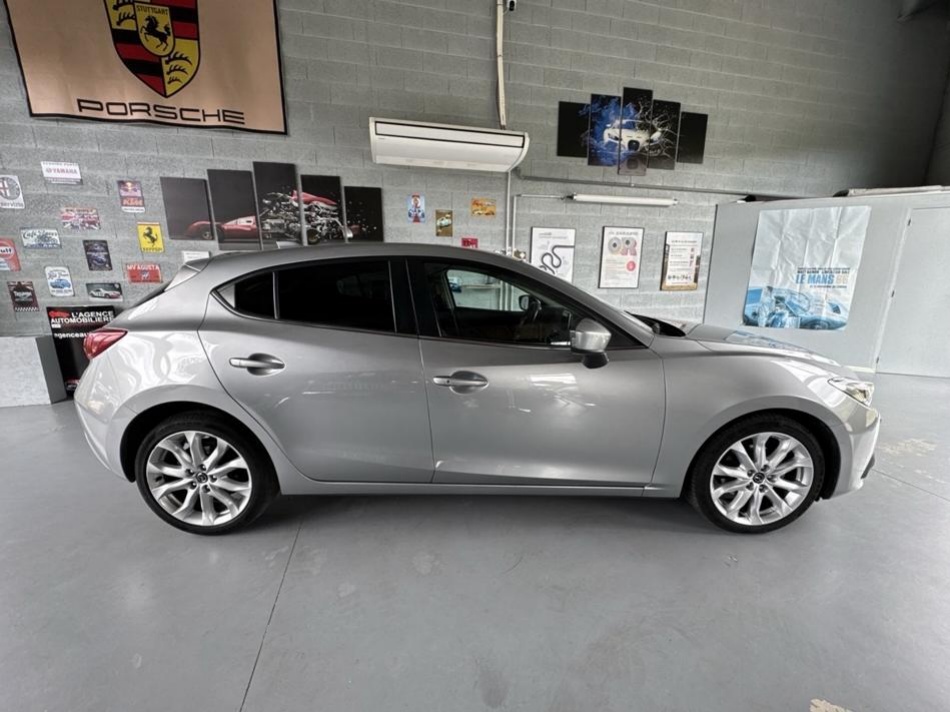
At a driver change, one file brings together visible condition, the odometer and submitted records. A manager can review what is available before requesting more evidence.
FROM CAPTURE TO REVIEW
Identify the vehicles, the people capturing evidence and the access each role needs.
Request useful views and records suited to each vehicle type.
Find inspections within your scope and distinguish files needing review from missing evidence.
WHAT YOUR TEAM REVIEWS
EXPLORE AN ACTUAL SAMPLE
The anonymized Mazda sample shows the report format: findings, document information and a photo gallery. It illustrates the format, not a customer reference for this workflow.
A RECORD YOUR TEAM CAN USE
Keep the date, vehicle identity and original mileage unit with each record. Compare matching views and flag what still needs checking.
For a visible issue, take a wider view and a close-up. Retake blurry or reflective images; an unseen area cannot be marked clear.
FREE PRINTABLE CHECKLIST
A blank two-page checklist: pickup and return readings, photo references, observations and follow-up actions.
Download the PDF ↓No sign-up · Not a mechanical inspection certificate.
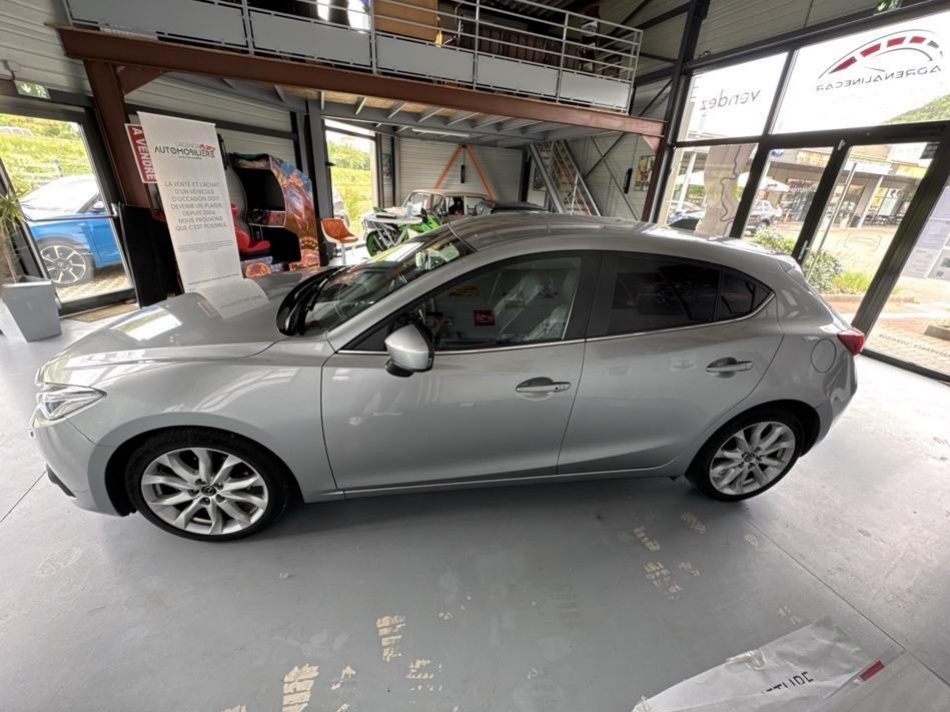
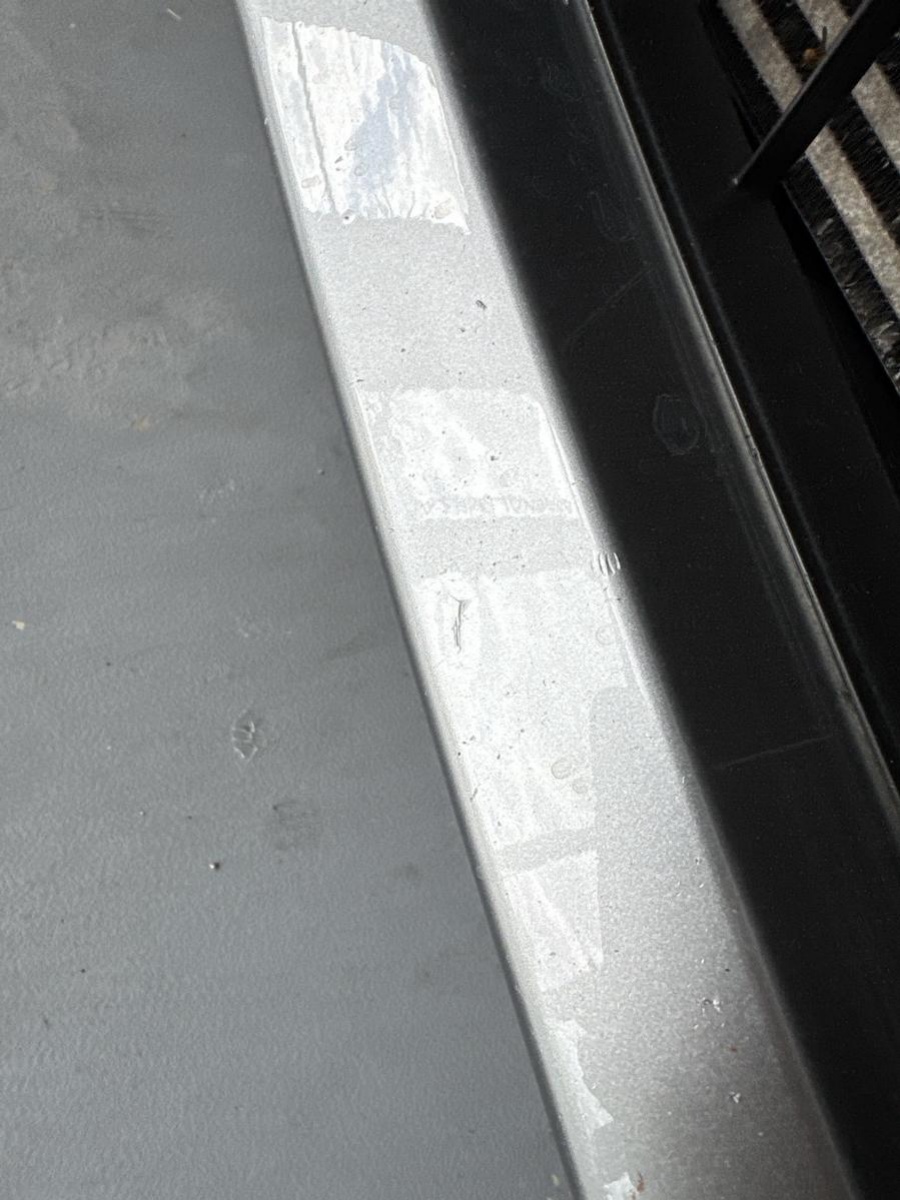
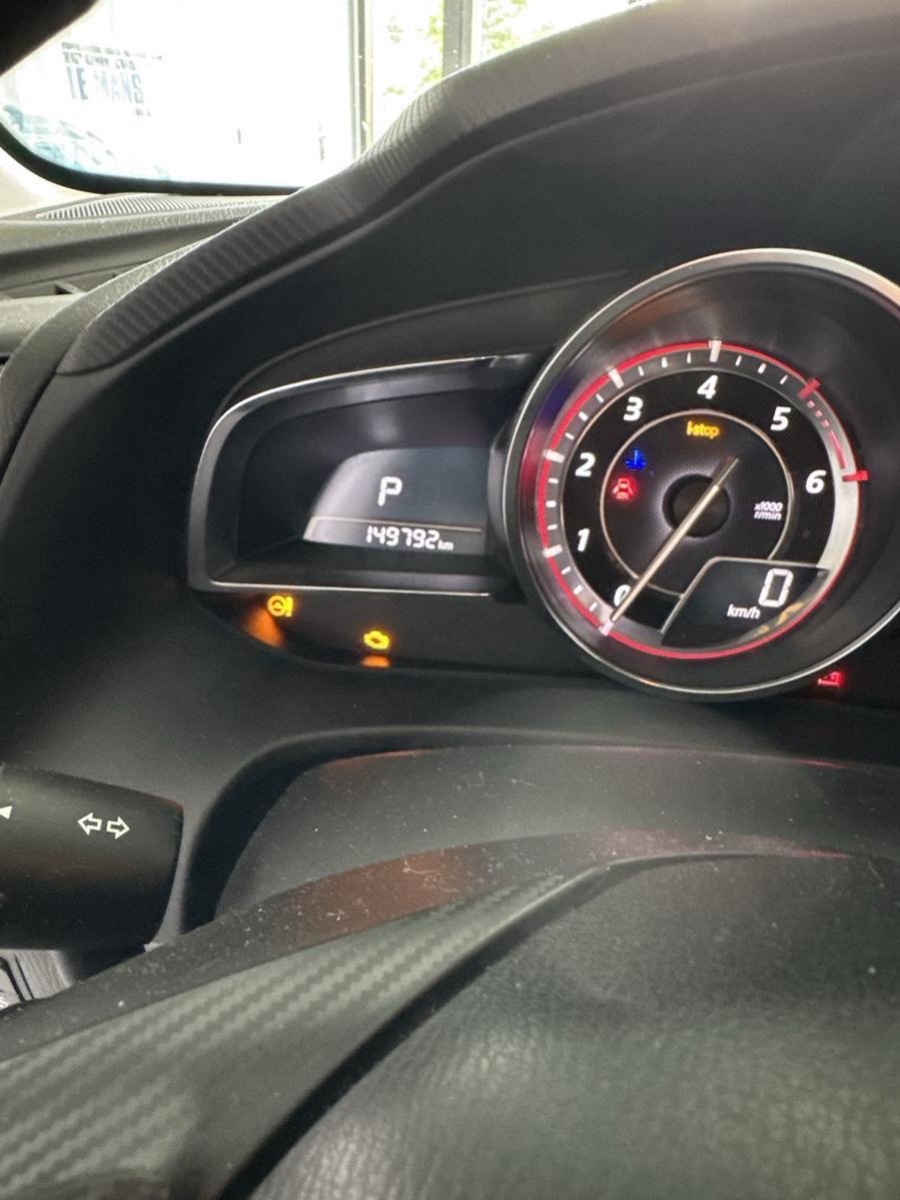
Photos from the historical sample report. They do not show two successive inspections.
Record the vehicle, date and odometer. Link existing marks to photo references. List missing views explicitly.
Repeat the views and update the reading. Compare the records before classifying a change. A different angle is not proof of a new or repaired defect.
Illustrative workflow — no live customer data.
Photos and records are associated with the vehicle.
An unreadable mileage entry calls for a clearer document.
Validated data and unresolved items remain distinct.
It documents the available evidence. Responsibility, repair costs and any charges require separate review under the relevant agreement.
BEFORE YOU START
We can assess that requirement during scoping. No connector or automatic synchronization should be assumed available without technical validation.
Access structure, volumes and connections to fleet management tools need to be defined before deployment.
Vehicle types, capture points, documents, access roles and any integration requirements. Physical tests and mechanical diagnosis are outside the remote inspection scope.
LET’S START WITH YOUR WORKFLOW
Tell us about your vehicles, countries and current process. We’ll use that context to prepare a relevant demonstration.
Long-term rental & leasing
Prepare a lease return inspection with guided photos, odometer readings and service records in one file for review before handover.
Explore the workflow →02Short-term rental & car sharing
Document rental car condition at pickup and return with comparable photos, odometer readings and findings in a single inspection file.
Explore the workflow →04Maintenance & service history
Review documented vehicle service history: compare invoices, dates, mileage and amounts, with uncertain information held for validation.
Explore the workflow →05Dealerships & trade-in networks
Prepare a remote trade-in inspection with bodywork, interior and odometer photos plus available service records before the dealership visit.
Explore the workflow →06Vehicle transport & logistics
Document vehicle condition before and after transport with overall views, close-ups and readings for reviewing each handover.
Explore the workflow →07Damage review & insurance brokers
Prepare a vehicle damage photo report with context, close-ups and supporting records to help your team review reported areas.
Explore the workflow →08Vehicle history platforms & marketplaces
Complement a vehicle history report with a remote inspection of visible condition, odometer photos and service records before further checks.
Explore the workflow →